NextCall

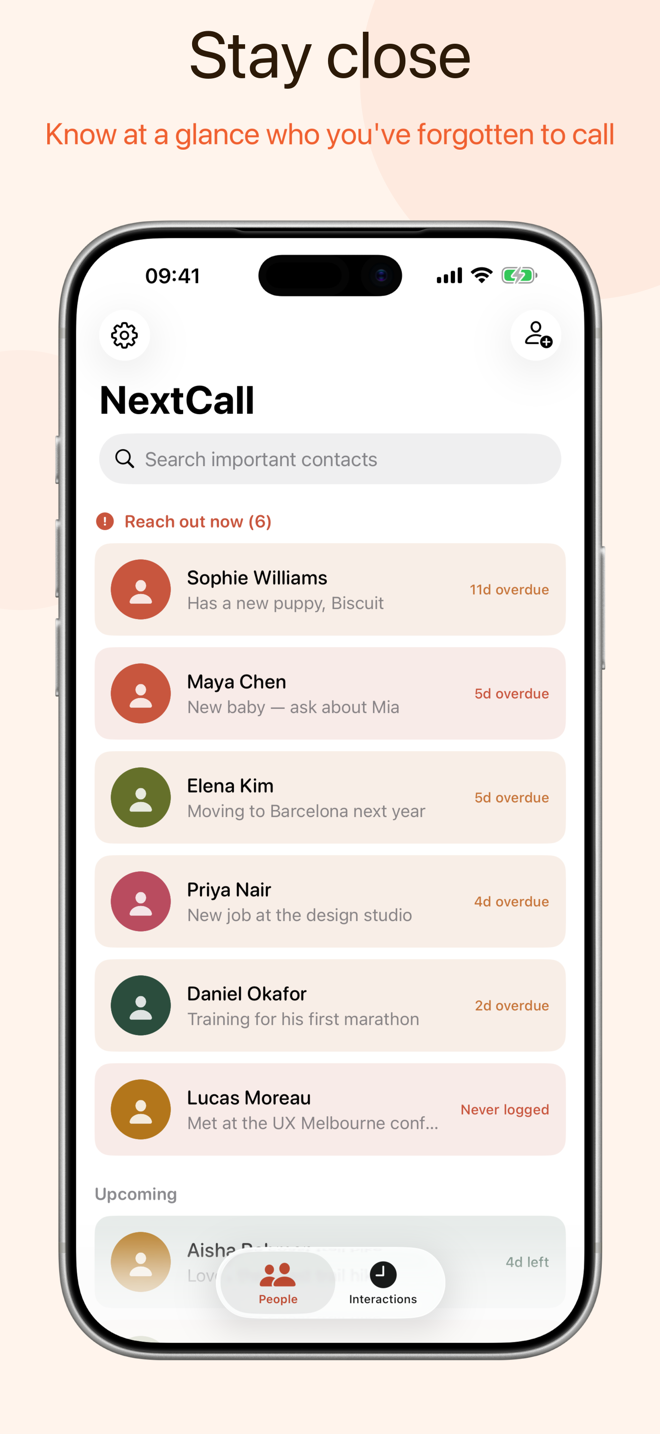
NextCall is an iPhone app that reminds you to check in with the people you care about. Life gets busy and months slip by; NextCall keeps a gentle cadence with the people who matter most, and quietly lets you know when it's been too long.

Why it exists
There are people in your life you genuinely love — old friends, a parent, a mentor — and somewhere in the busyness of the week, they slip your mind. Not because you don't care. Just because nothing prompted you.
NextCall is that prompt. It doesn't nag or streak-shame you. It keeps a quiet list of who you want to stay close to, and gives you a gentle nudge when it's been a while.
What it does
- Your own rhythm. Set how often you want to check in with each person — weekly, monthly, every couple of months. There's no one-size-fits-all schedule.
- A gentle nudge. When it's been too long since you last spoke, NextCall lets you know, calmly and without urgency. No guilt, just a reminder.
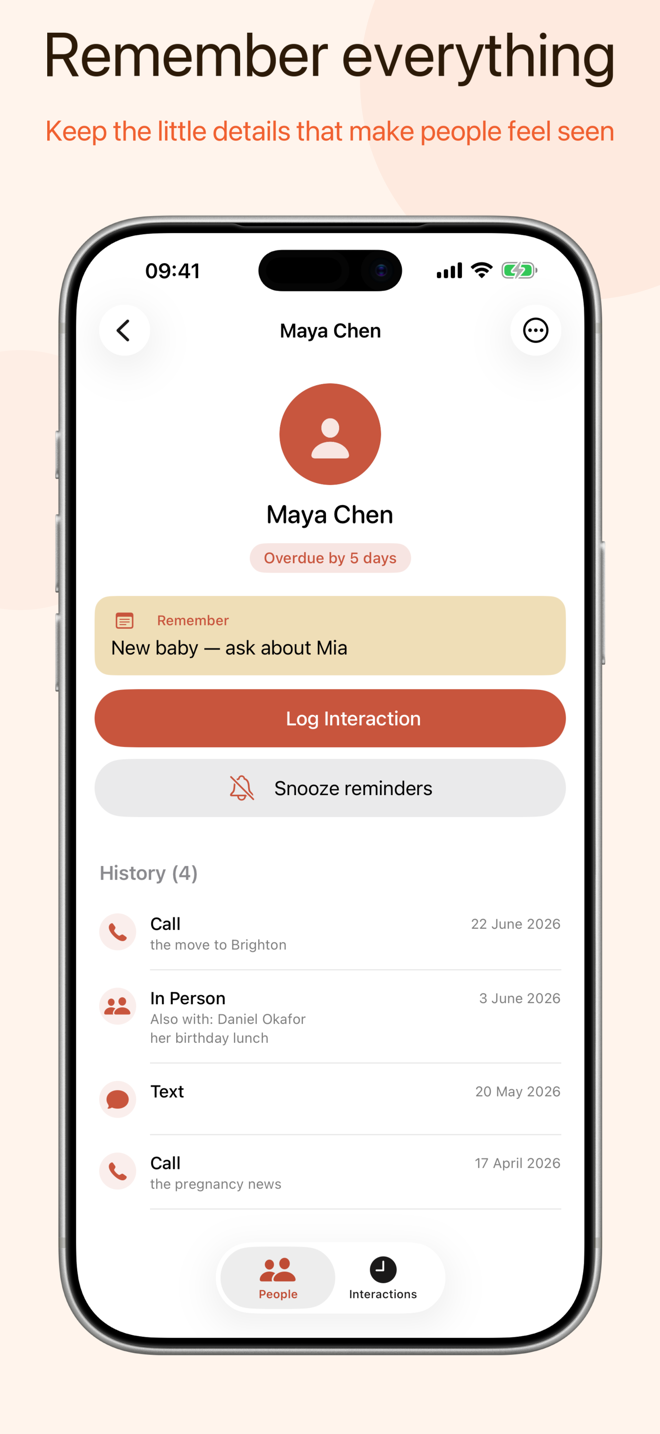
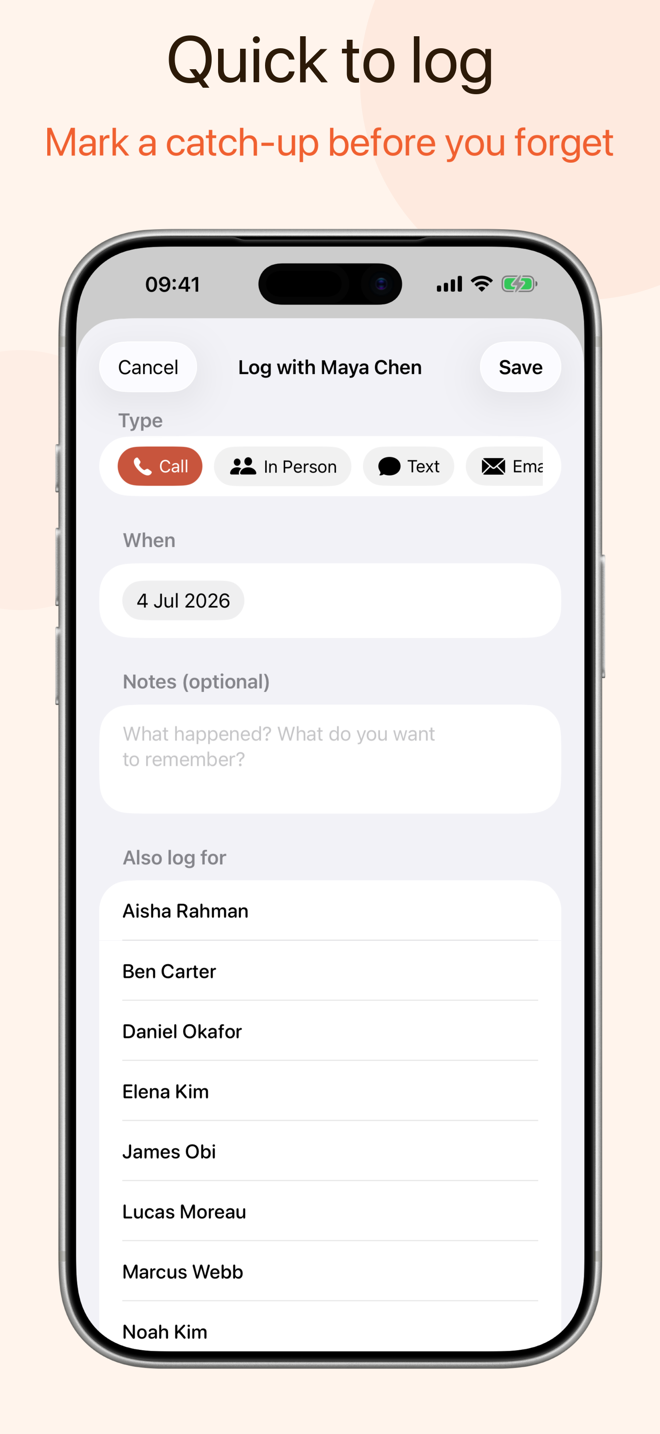
- Pick up where you left off. After each call, jot a quick note about what they're up to and what to follow up on. Next time, you'll be ready.
How it works
- Add the people who matter. Pick from your contacts or add someone new. Keep the list short — just the people you genuinely want to stay close to.
- Set a cadence for each. Some people warrant a weekly catch-up; others, a gentle quarterly check-in. You decide.
- NextCall does the rest. It tracks the last time you spoke and sends a calm nudge when someone's overdue. That's the whole app.
Screenshots
Scroll sideways to see more.
Frequently asked questions
Is it available on Android? No. NextCall is built just for iPhone, and I don't have plans to bring it to Android.
Does it access my contacts? NextCall can read your device contacts to make adding people easy, but nothing is uploaded to my servers. Your contact data stays on your device. See the privacy policy for details.
How does the reminder work? When you log a call, NextCall records the date. Once your chosen cadence passes without another call, it sends a quiet notification. You choose the timing.
Can I use it for work contacts too? Yes. NextCall works for anyone you want to stay in touch with — a mentor, a client, a colleague you haven't spoken to in a while.
Questions
NextCall is available on the App Store. If you have a question that isn't answered above, please get in touch.